
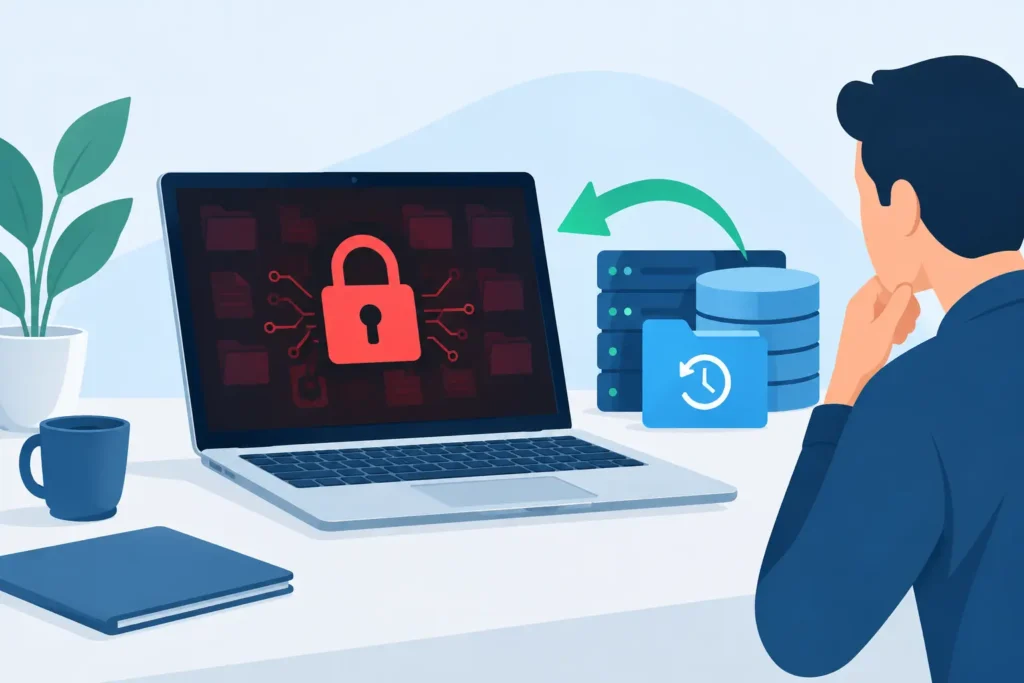
A ransomware message on a screen is designed to force a fast, frightened decision. It may claim your files are permanently lost, threaten to publish confidential information, and put a countdown beside a demand for cryptocurrency. Ransomware data recovery is often possible, but only if the incident is handled carefully from the first hour. The wrong response can overwrite recoverable data, spread the infection further, or destroy evidence needed for a professional recovery attempt.
The priority is not to start opening files, rebooting servers, or negotiating with the attacker. It is to contain the incident, preserve the affected storage, and establish what has actually happened. Encryption alone does not always mean your data has disappeared forever.
The first actions after a ransomware attack
Disconnect the affected computer, server, NAS or external drive from the network immediately. Remove Ethernet connections, disable Wi-Fi where practical, and disconnect shared storage. Do not switch the device off unless instructed by a qualified incident responder. A live system can contain useful forensic information, including running processes, encryption keys, network connections and evidence of how the attack entered.
For businesses, isolate affected systems while keeping a written record of what was seen and when. Record ransom note filenames, changed file extensions, any attacker contact details, the date and time files became inaccessible, and names of devices or shares affected. Take photographs of the ransom message if needed. This information helps identify the ransomware family and prevents confusion when several people are responding under pressure.
Avoid these common mistakes:
- Do not run random online decryptors or file repair tools against the original affected files.
- Do not delete ransom notes, temporary files, user accounts or system logs.
- Do not reconnect infected devices to test whether they are working.
- Do not restore a backup until the source of the infection has been removed.
- Do not assume cloud-synchronised folders are safe just because they are off-site.
Ransomware frequently reaches more than one location. It can encrypt mapped network drives, connected USB storage, shared folders, NAS devices and cloud files that are actively synchronising. A rushed restore can simply give the malware another set of clean files to encrypt.
Why ransomware data recovery is not one single process
Every incident has two separate problems: recovering information and making the environment safe to use again. These must be managed together, but they require different skills.
A recovery specialist examines whether files, previous versions, storage snapshots, backups or remnants of unencrypted data can be retrieved. An IT security team or incident response provider investigates the attack route, removes persistence mechanisms, resets compromised credentials and rebuilds systems that can no longer be trusted.
This distinction matters. Recovering files to the same infected machine is not recovery. It risks reinfection, contamination of recovered data, and loss of a valuable opportunity to preserve evidence.
The likely recovery route depends on the device, ransomware strain and timing. Some attacks only encrypt certain file types. Others damage file structures, delete shadow copies, target backup repositories or exfiltrate data before encryption. A business facing a double-extortion attack may have usable backups but still need to manage the risk of stolen personal, financial, legal or commercial information.
Where recoverable data may still exist
A professional assessment begins by identifying all possible copies of the affected data, not just the encrypted files visible on a desktop. The most obvious source is an offline or immutable backup. A backup that was disconnected, protected from alteration, or retained in versioned cloud storage can provide a clean restoration point.
However, backups need validation before use. Check the date of the last successful backup, confirm that files can be opened, and make sure the backup did not include the malware. For critical systems, restoration should take place in a clean, segregated environment before data is returned to production.
There may also be recoverable information in NAS snapshots, virtual machine checkpoints, email attachments, document management systems, staff laptops, old archive drives or cloud platforms with file version history. For individuals, photos and documents may still be present on a phone, memory card, camera, external drive or another family member’s computer.
Where no viable backup exists, forensic examination of the affected media may still be worthwhile. Depending on how the ransomware operated, it may be possible to locate previous file versions, unencrypted fragments, deleted data or files missed by the encryption routine. This is highly case-specific. Modern ransomware can overwrite or securely delete data, and SSD trim operations can reduce the chance of recovering deleted files. Honest assessment is essential: no reputable provider should promise results before the storage has been examined.
Should you pay the ransom?
Paying is a commercial and legal risk, not a recovery plan. A payment does not guarantee that a decryptor will work, that every file will be restored, or that stolen data will be deleted. Criminal groups may provide a slow or defective decryptor, demand further payment, or retain copied information for later misuse.
Organisations also need to consider sanctions exposure, insurance conditions, regulatory obligations and the impact on customers or employees whose information may have been accessed. Legal advisers, cyber insurers and specialist incident responders can help guide these decisions. If personal data may have been compromised, the incident may require assessment under UK GDPR and, in certain circumstances, notification to the Information Commissioner’s Office.
Even when payment is being considered, preserve the affected storage and seek independent technical advice first. You need to know whether restoration from backups or data recovery work can reduce the need to engage with the attacker.
Protect evidence before recovery work begins
For a business, ransomware can become an employment, contractual, regulatory and insurance matter as well as a technical one. Preserve copies of ransom notes, logs, suspicious emails, firewall alerts and affected drive images where possible. Maintain a record of who handled each device and when. This chain of custody can matter if the incident leads to an insurance claim, dispute, investigation or notification requirement.
Do not let urgency compromise confidentiality. Sensitive drives should be handled in a controlled environment, with clear authorisation and secure transfer arrangements. This is particularly important for legal teams, healthcare providers, accountants, financial services businesses and organisations holding customer records.
At Data Recovery Lab, affected media can be assessed in a real London forensic-grade lab by certified technicians, with GDPR-conscious handling and a no-recovery, no-fee approach. For physical storage failures alongside a ransomware incident, specialist equipment and cleanroom capability can also be critical. A drive that is clicking, not detected, or repeatedly disconnecting should never be repeatedly powered up in the hope that it will become readable.
Restoring safely after the attack
A safe recovery starts with a clean environment. Rebuild compromised systems from known-good installation media, apply security updates, rotate passwords and review privileged accounts before returning data. If the attack originated through a remote access service, exposed software vulnerability, phishing email or stolen credentials, close that route first.
Restore the most important data in stages. Start with essential operational records, customer files and systems needed to resume service. Scan restored data and monitor network activity closely. For larger organisations, a staged restoration limits the chance that a missed infection spreads through the rebuilt network.
This is also the moment to test what was previously assumed. Confirm that backups restore within an acceptable timeframe, that access controls are appropriate, and that offline copies are genuinely isolated. A backup strategy that exists only on paper is not protection when a production server is unavailable on a Monday morning.
Build a recovery position before the next incident
The strongest ransomware recovery plan combines multiple copies, different storage locations and at least one backup that attackers cannot alter from the live network. It should also name the people authorised to isolate systems, contact insurers, communicate with customers and approve recovery decisions.
For households and sole traders, the principle is simpler but no less valuable: keep more than one copy of irreplaceable files, disconnect an external backup when it is not in use, and check that you can restore it. Family photographs, client work and years of accounts deserve the same care as any server.
When ransomware strikes, the calmest decision is usually the most valuable one. Isolate the device, preserve what is there, and let evidence rather than panic determine the next step.
