
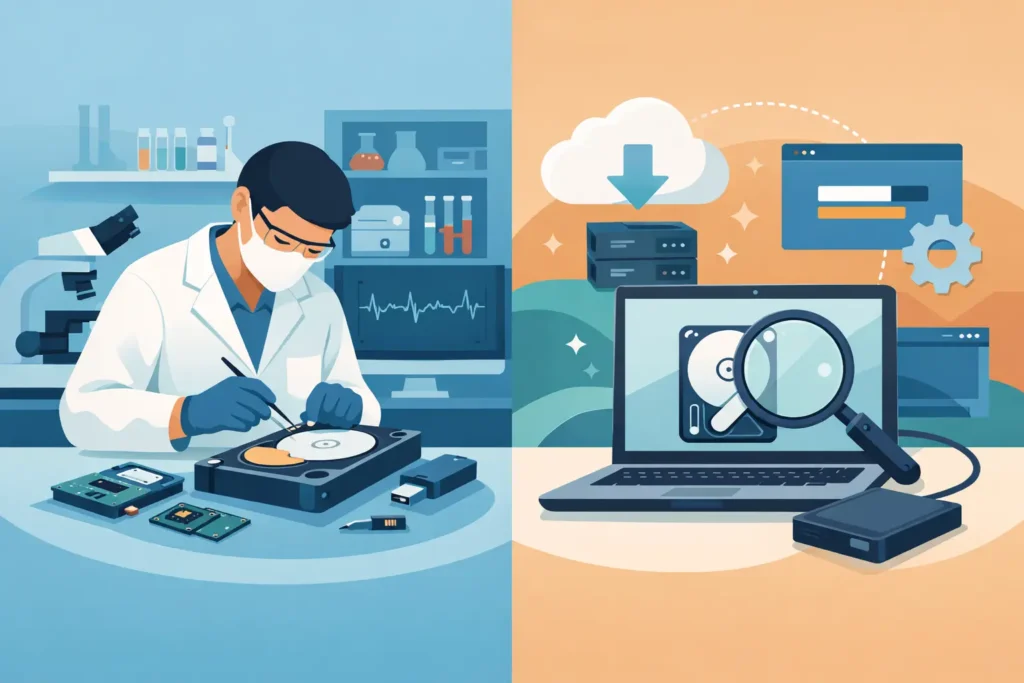
A hard drive starts clicking. An SSD vanishes from the system. A mobile phone drops into water five minutes before a deadline. In moments like these, the question is not abstract. Lab recovery vs software becomes a decision that can either preserve your data or make the loss worse.
The trouble is that both options sound reasonable at first. Recovery software is cheap, immediate and heavily marketed. Professional lab recovery costs more, but it exists for a reason. The right choice depends on what failed, what the data is worth, and whether the device is still stable enough to be read without causing further damage.
Lab recovery vs software: the real difference
Software recovery works at the logical level. It scans a storage device for deleted files, damaged file tables, lost partitions, or other forms of readable corruption. That means the device still needs to power on, identify correctly, and provide reasonably stable access to the data.
Lab recovery is different. It is designed for cases where the problem is physical, electrical, firmware-related, encrypted, degraded or too risky for repeated DIY scans. A real recovery lab can work with failed hard drives, damaged SSDs, liquid-damaged mobile phones, broken USB sticks, RAID failures and devices that are no longer recognised properly by a normal computer.
That distinction matters because many people try software on a drive that has already moved beyond a software problem. Once a device has physical faults, every extra power cycle and every prolonged scan can reduce the chance of a successful recovery.
When software recovery is the right first step
Software has a legitimate place. If you deleted files by mistake, emptied the recycle bin, reformatted a healthy drive, or lost access because of minor logical corruption, software may help. The best candidates are drives that are quiet, recognised at the correct capacity, and not showing signs of hardware instability.
Even then, caution matters. You should stop using the affected device immediately, avoid installing recovery software onto the same drive, and never save recovered files back to the source device. Continued use can overwrite the very data you are trying to recover.
This route often suits low-risk situations where the data has value but not enough to justify lab costs at the outset. It can also be sensible when you have a second copy elsewhere and are simply trying to avoid the inconvenience of rebuilding files.
What software does not do is repair a failing mechanism, rebuild damaged electronics, stabilise a deteriorating SSD controller, or make a dead mobile phone readable after liquid ingress. It also cannot compensate for a user making the wrong decision under pressure.
When a lab is the safer choice
If the device is clicking, beeping, overheating, reporting the wrong size, disappearing intermittently, asking to be initialised, or showing extreme slowness, software is usually the wrong tool. The same applies if the data is business-critical, legally sensitive, emotionally irreplaceable, or tied to a deadline you cannot miss.
A professional lab is not simply running better software. It combines controlled handling, specialist imaging equipment, donor parts where appropriate, firmware tools, chip-level work, cleanroom procedures for mechanical drives, and technicians who know when not to push a failing device further.
That last point is often overlooked. Good recovery work is not just about extracting data. It is about avoiding irreversible damage while doing so.
For a business, the cost question should be framed properly. The comparison is not just software licence versus lab fee. It is software licence versus downtime, client impact, compliance exposure, lost billable work, interrupted operations and the possibility of permanent data loss.
The biggest risk in the lab recovery vs software decision
The biggest risk is misdiagnosis.
A deleted folder on a healthy external drive may be a straightforward software case. A drive that appears to have “just disappeared” may actually have head damage, firmware corruption or unstable sectors. To a non-specialist, both situations can look similar because the end result is the same: the files are gone.
This is where people get caught. They assume that if software can see the drive at all, software recovery is safe. That is not always true. A failing drive can remain partially readable for a short time while degrading rapidly under load. Long scans, repeated reconnects and improvised fixes can push it past the point where a controlled recovery would have had a far better chance.
SSDs are even more deceptive. They often fail without the warning sounds people associate with hard drives. Once controller, firmware or NAND-level faults are involved, software tools become severely limited. In some cases, the drive may present itself normally but return corrupted or incomplete data.
Cost, speed and success rates
This is where trade-offs become real.
Software is cheaper and faster to try. You can download it in minutes and start scanning the same day. If the issue is simple and the device is healthy, that convenience is attractive.
Lab recovery is more expensive because it requires skilled assessment, specialist tooling and controlled procedures. But it is often faster to a proper answer when the device has genuine faults. Instead of wasting days trying multiple programmes, restarting scans and reading conflicting forum advice, you get a professional diagnosis and a fixed path forward.
Success rates also need honest framing. Software can work well in the right scenario, but it has a narrow lane. Lab recovery covers a much wider range of failure types, especially the ones that matter most when the data is truly at risk.
The cheapest route is only the cheapest if it works first time and does not reduce the chance of a successful professional recovery later.
What to do before choosing either option
Start with symptoms, not hope. If the device has physical warning signs, stop using it. Do not run repair utilities. Do not initialise the disk. Do not format it because the system suggests doing so. And do not keep plugging it into different machines to see if it “comes back”.
If there are no physical signs and the loss appears to be logical, software may be reasonable, but only if you handle the device carefully. Work from a copy or forensic image if possible. Recover data to a different storage device. If the scan stalls, the drive drops offline, or performance collapses, stop and reassess.
If the data is high-value, confidential or time-sensitive, a professional assessment is usually the safer starting point. That is particularly true for business data, legal matters, CCTV footage, creative projects, family archives and any case where there is no meaningful second chance.
Why real lab capability matters
Not every company advertising recovery has true in-house lab capability. Some operate as brokers, front-end websites or virtual offices that simply forward devices elsewhere. That can create delays, reduce transparency and complicate chain of custody.
A genuine lab should be able to explain how your device will be assessed, where the work is carried out, how confidentiality is maintained, and what happens if recovery is not possible. Those details matter when sensitive personal files or commercial data are involved.
For London clients and businesses across the UK, Data Recovery Lab is built around that standard – real lab capability, experienced technicians, secure handling and clear communication when the pressure is highest.
Lab recovery vs software for common scenarios
If you deleted a set of files from a healthy memory card and stopped using it immediately, software may be enough. If a laptop drive is making unusual noises, a mobile phone has suffered water damage, a RAID has gone offline, or an SSD is no longer detected correctly, lab recovery is the safer route.
If you are unsure, that uncertainty is itself a sign to pause. The more valuable the data, the less sensible it is to treat diagnosis as trial and error.
People often ask whether they should “try software first and send it to a lab if it fails”. Sometimes yes, but not by default. That approach only makes sense when the device is stable and the symptoms point clearly to a logical problem. If there is any sign of hardware failure, trying software first can be the step that turns a recoverable case into a partial recovery or a permanent loss.
When data matters, the smartest decision is rarely the most optimistic one. It is the one that protects the device from further harm and gives the files their best chance of coming back intact.
