
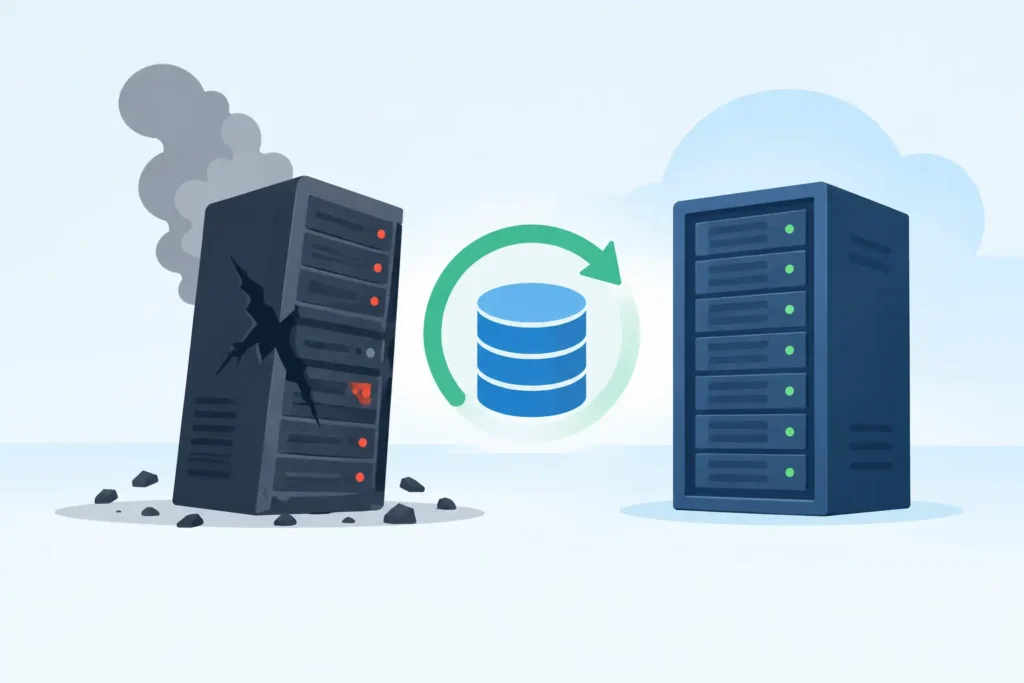
At 08:15 on a Monday, a finance team could not open its order-processing system. The server was running, but the database application reported damaged files and refused to start. The business had invoices to issue, deliveries to release and customer records it could not afford to lose. This database recovery example shows what a professional recovery process looks like when a production database becomes inaccessible – and why the first few decisions matter.
The scenario is representative rather than tied to one client. The technical approach changes according to the database platform, storage hardware and extent of damage, but the priorities remain the same: stop further loss, preserve the original evidence, establish what is recoverable, then validate the restored data before it returns to service.
The incident: corruption after a storage failure
In this case, the database sat on a small RAID array connected to a Windows server. Overnight, one drive had failed and a second drive began returning read errors while the RAID controller was attempting a rebuild. The system stayed online long enough for database files to become inconsistent. By morning, the application could see some tables but key transaction logs and index pages were unreadable.
This is where many recoveries become harder than they need to be. A well-meaning administrator may restart the server repeatedly, force the RAID to rebuild, run repair commands against the live volume, or replace a disk and initialise it. Each action can write new data to disks that still contain recoverable database pages, RAID configuration information or transaction log records.
The company stopped using the server, documented the error messages and separated the affected disks from the production environment. That decision protected the best available recovery route.
What should happen before database recovery begins
A database is not just a collection of files. SQL Server, MySQL, PostgreSQL, Oracle and other platforms maintain internal relationships between tables, indexes, logs, allocation maps and metadata. A database can therefore fail even where the underlying storage appears partly readable. Equally, a set of damaged drives can sometimes yield a recoverable database once the array is reconstructed correctly.
The first task is not to run a repair utility. It is to identify the failure layer. Is the issue logical database corruption? A deleted database? A damaged virtual machine? A RAID failure? A controller fault? Ransomware encryption? Or a combination of problems?
For this database recovery example, the relevant questions included the RAID level, disk order, stripe size, controller model, operating system, database version and whether backups or transaction log backups existed. The team also needed to know exactly what happened before the outage. A forced shutdown, failed rebuild or previous repair attempt can materially affect the recovery plan.
Before handing over equipment, keep a concise record of:
- the full error messages and approximate time of failure;
- the server, RAID controller and database software versions;
- the number, capacity and labels of the drives;
- any recent changes, power events, failed updates or rebuild attempts; and
- the last known good backup and whether it has been tested.
Do not install recovery software onto the affected server volume. Do not format, initialise or reconfigure the disks. If the data has commercial, legal or personal sensitivity, control access from the outset and retain a clear chain of custody.
Assessment: protecting the original data
At the lab, the drives were assessed individually before any attempt was made to reconstruct the array. One drive had a mechanical fault and could not be read reliably through ordinary hardware. The other drives contained intermittent unreadable sectors. Working directly from them would have risked escalation of the damage.
A specialist recovery process starts by creating controlled, sector-level copies wherever possible. For a failing hard drive, this may require dedicated imaging equipment that manages unstable reads carefully, returns to difficult areas in stages and avoids the repeated stress caused by standard operating-system copying. If a drive has physical defects, cleanroom procedures may be needed before a stable image can be created.
The original media should remain protected. Analysis, RAID reconstruction and database work are performed on copies. This is a practical safeguard, not a formality. If one reconstruction method proves wrong, technicians need an unaltered source image to test another configuration.
In this case, the team produced usable images from the healthy and degraded drives, then examined RAID metadata and data patterns to determine the correct disk sequence, stripe size, offset and parity rotation. RAID is not a backup. It improves availability when configured and maintained correctly, but it does not prevent corruption, accidental deletion or a failed rebuild from affecting the data set.
Reconstructing the array without trusting the failed rebuild
The controller’s rebuild process had written new parity information before the system was shut down. Using the array’s most recent configuration blindly would have created a plausible-looking but incorrect virtual volume. That is one of the risks with RAID recovery: an apparently mounted file system does not prove that the data is consistent.
The lab tested reconstruction candidates against known file system structures and database file signatures. The correct configuration produced coherent volume metadata and intact portions of the database data files. Where sectors were missing, technicians mapped the gaps rather than allowing software to substitute silent assumptions.
That distinction matters. A recovered file that opens is not automatically trustworthy. For a business database, the objective is not merely to retrieve .mdf, .ldf or other database files. It is to restore a logically consistent set of records that the application can use safely.
Database-level recovery and validation
Once the storage layer was reconstructed, attention moved to the database itself. The damaged database files were copied into an isolated environment matching the original platform as closely as possible. No work was performed against the client’s live server.
The recovery process involved examining file headers, allocation structures, system tables and transaction log information. Depending on the platform and fault, this can mean repairing only selected corrupt structures, extracting tables into a clean database, replaying available log records or combining recovered files with a verified backup.
There is a trade-off here. Aggressive repair commands may make a database start quickly, but they can remove damaged pages, discard records or break relationships between tables. In some situations, controlled extraction of the most valuable tables is safer than forcing a full database repair. The right method depends on what is damaged and what the client needs most – for example, recent orders, case files, accounts data or audit history.
For this database recovery example, the team recovered the core customer, order and invoice tables, then compared record counts and date ranges with exports from the reporting system. They also checked primary keys, table relationships and a sample of high-value transactions. The recovered data was supplied for the client’s own application-level testing before any return to production.
Validation should include more than opening the database. A business should confirm that users can search records, run reports, create a test transaction and reconcile critical totals. Where financial, legal or regulated data is involved, keeping an audit record of the recovery steps and validation results is sensible.
The result and the lessons behind it
The business restored its service from a clean server build using the validated recovered database. Some non-critical index structures were regenerated rather than recovered, and a small number of records from the final period before the failure required reconciliation against paperwork and email confirmations. That is an honest outcome: professional recovery can recover a great deal, but no credible provider should promise every byte before assessment.
The larger lesson is that database recovery is not one command and not one product. It is a sequence of controlled decisions across failed hardware, RAID configuration, file systems and database consistency. The more sensitive the information, the more important it is to preserve the original media and keep the work in a secure, accountable environment.
Data Recovery Lab handles database incidents with forensic-grade processes, secure handling and a clear assessment before recovery work proceeds. For organisations under pressure, the priority is simple: stop experimenting with the affected system, preserve the evidence and get a technically sound answer on the safest recovery route. Acting early gives your data the best chance of returning in a usable form.
