
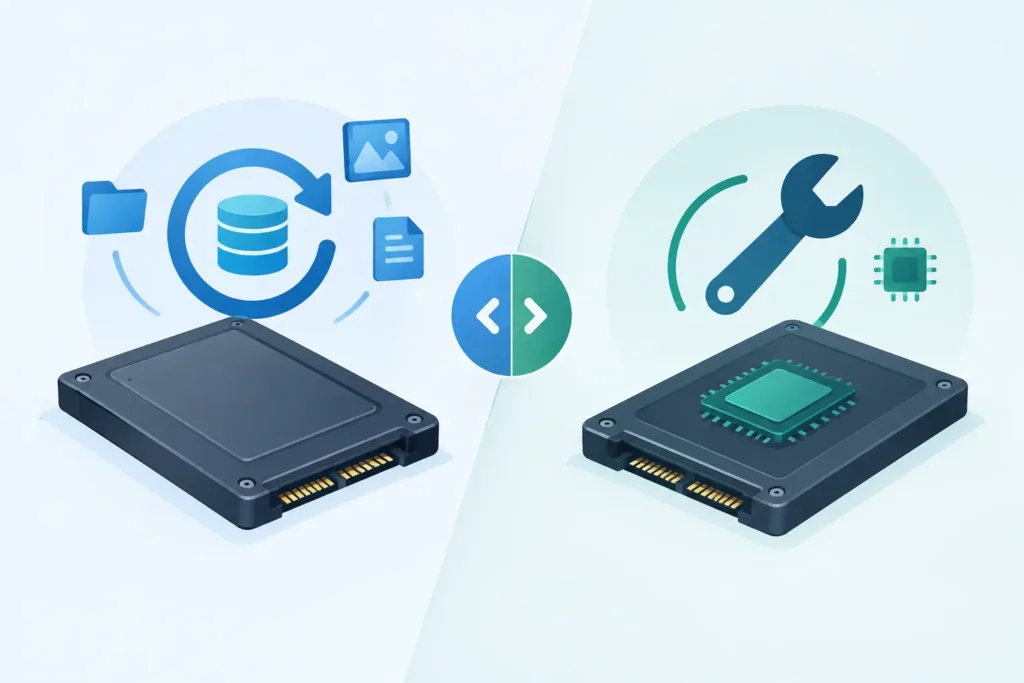
A failed SSD can look deceptively simple: it is small, silent and has no moving parts. Yet the choice between SSD recovery versus flash repair can decide whether valuable files remain recoverable or become permanently inaccessible. If the priority is the data – client records, legal evidence, family photographs, project files or business databases – the first objective should be preserving the information, not making the drive work again.
That distinction matters because an SSD is not merely a storage chip attached to a circuit board. It is a tightly managed system of NAND flash memory, a controller, firmware, encryption and error-correction processes. A repair aimed at returning the device to service can alter that system. Professional recovery is designed to obtain the data with the least possible risk to it.
SSD recovery versus flash repair: the key difference
SSD recovery is a data-first process. The technician assesses the fault, stabilises the device where possible, captures a safe working copy of the readable NAND data and reconstructs the files using knowledge of the controller, firmware and file system. The original drive is treated as evidence, not as a reusable product.
Flash repair usually means repairing the physical electronics or the flash storage itself. It may involve replacing a damaged USB connector, power component or controller, reworking solder joints, replacing chips, or attempting to restore a device to normal operation. This can be appropriate where the device is of value and the fault is confined to a straightforward, non-destructive component.
For an SSD holding irreplaceable data, however, repair and recovery are not interchangeable. A successful repair may allow the SSD to power on, but it may also trigger background operations that change the data state. If the repair fails, it can make specialist recovery harder.
Why SSDs require a different approach
Traditional hard drives store data in a relatively direct physical order. SSDs do not. Their controller continuously distributes data across memory cells, manages wear, corrects errors and keeps track of where each piece of a file has been placed. This information is often called the translation layer.
When an SSD controller fails, the NAND chips may still contain the underlying data. But the data can be scrambled across multiple chips, interleaved in a controller-specific pattern and protected by error-correction coding. In many modern drives, hardware encryption is active even when the user has never set a password. The encryption keys may be held within the failed controller or its associated firmware.
This is why a simple chip swap is rarely a solution. Moving NAND memory to another board can leave the data unreadable because the replacement controller does not understand its layout, metadata or encryption. In the wrong circumstances, applying power repeatedly can cause further degradation or cause the drive to perform internal clean-up operations.
When flash repair can be the sensible option
Flash repair is not always the wrong route. It can be a proportionate solution when the data is already backed up and the aim is simply to restore a low-value device. For example, a USB flash drive with a broken connector may be repaired sufficiently to copy its contents, provided the flash memory and controller remain stable.
It can also be useful when there is an obvious board-level fault, such as a damaged power input or a failed protection component. A controlled repair may provide temporary access for a rapid data extraction. The difference is intent: the repair is performed only as far as necessary to recover the files, not to return the device to everyday use.
Even then, the device needs a careful diagnosis. A drive that appears dead after a power surge may have hidden damage. Replacing a component without checking the surrounding circuit can introduce further electrical risk to the controller and NAND memory.
When professional SSD recovery is the safer choice
Choose specialist recovery when the data matters and the SSD is no longer recognised, repeatedly disconnects, reports the wrong capacity, asks to be formatted, has become read-only, or is producing file errors. These symptoms can point to controller failure, firmware corruption, failing NAND, file-system damage or a power-related fault.
Recovery is also the safer route after accidental deletion or formatting. SSDs commonly use TRIM, a command that tells the drive which deleted blocks are no longer needed. Once TRIM and internal garbage collection have processed those blocks, recovery may become impossible. Continuing to use the SSD, installing recovery software or saving new files to it can reduce the remaining opportunity.
For business devices, the consequences extend beyond the files themselves. An attempted repair may affect encrypted volumes, audit material, customer records or evidence required for a dispute. Secure handling, documented processes and confidential assessment are not optional extras in these cases.
The risks of repairing first
The phrase “repair before recovery” sounds practical, but it can be costly where solid-state storage is concerned. The most common problem is repeated power cycling. Each attempt to start a failing SSD can place additional strain on unstable components and memory cells. A drive may become less responsive with every attempt.
Firmware updates are another risk. They can overwrite controller information or change the way the SSD interprets its NAND. Likewise, operating-system repair tools may write to the file system, initialise a disk or prompt the user to format it. None of those actions should be accepted before the data has been assessed.
Physical intervention carries its own danger. NAND chips and controller packages require specialist equipment and precise thermal control. Excessive heat, incorrect soldering or contamination can permanently damage delicate connections. A local electronics repair may be excellent for a charging port or display, but SSD data recovery requires different tools and methods.
What a proper SSD recovery process looks like
A credible lab begins with diagnosis, not promises based on a symptom alone. Technicians identify whether the issue is logical, firmware-related, electrical or physical, then decide on the least invasive method that can protect the data.
Where the SSD is stable enough, the priority is normally to create a controlled clone or acquire an image of the accessible data. Work then continues from that copy. This prevents recovery software, file reconstruction and repeated analysis from placing unnecessary stress on the original device.
For complex failures, the work may involve controller-level analysis, reading NAND memory directly or reconstructing the data translation process. These cases demand specialised hardware, clean working practices and experience with different SSD architectures. They also require honest expectations: encrypted controller failure, severe NAND degradation and TRIM-processed deletion can limit what is technically possible.
At Data Recovery Lab, the device is assessed in a real London laboratory by certified technicians, with secure handling and GDPR-conscious confidentiality throughout. The focus is always on the recoverable data, supported by a no-recovery, no-fee approach rather than pressure to approve an uncertain repair.
What to do when an SSD fails
Stop using the drive immediately. Do not install recovery software onto it, run a firmware update, format it or repeatedly reconnect it to see whether it appears. If it is an external SSD, try only the obvious non-invasive checks once: a known-good cable and a different port. If the drive remains inaccessible, stop there.
If the SSD contains business-critical, sensitive or irreplaceable material, keep it powered off and arrange a professional assessment. Provide useful context, including whether it was dropped, exposed to liquid, affected by a power event, formatted, encrypted or used in a RAID or NAS system. This information helps the technician select the safest route from the beginning.
A repaired SSD may work for a while, but it should never become the sole home for recovered files. Once data has been retrieved, copy it to reliable new storage and maintain more than one backup, ideally with one copy kept separately from the main system.
The right question is rarely “Can this SSD be repaired?” It is “What action gives the data its best chance?” When the files matter, protect the evidence first and let repair serve recovery – not jeopardise it.
