
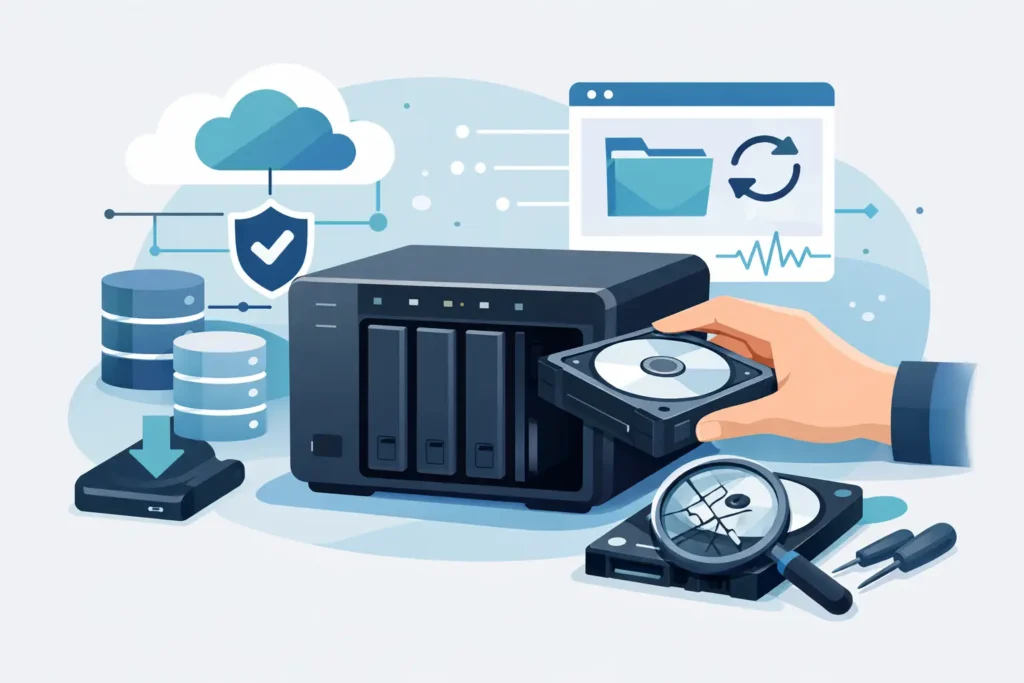
A NAS box rarely fails at a convenient moment. It tends to happen when the finance folder will not open, the CCTV archive vanishes, or years of family photos suddenly sit behind an error message you cannot clear. In that situation, a professional NAS data recovery service is not just about getting files back. It is about containing risk, protecting confidentiality, and making the right decision before avoidable damage turns a recoverable case into a permanent loss.
What makes NAS recovery more complex than a normal hard drive job
A NAS is not simply an external hard drive with a network port. Most systems combine multiple disks, a file system designed for shared access, and some form of RAID or proprietary storage layout. That means data can become inaccessible for several different reasons at once.
One failed disk might not be the whole story. A second drive could have unreadable sectors. The RAID may have rebuilt incorrectly. The file system could be corrupted after a power cut. In some cases the hardware itself is healthy, but the NAS operating system, controller, or configuration metadata has been damaged. The result is the same for the user – missing files, inaccessible shares, or a system that no longer mounts – but the recovery path is very different depending on the real cause.
This is why NAS recovery should be assessed as a system-level problem, not a simple disk swap. If someone treats the job as though it were one ordinary drive, they can miss the RAID order, overwrite parity information, or trigger a rebuild that destroys the remaining data structure.
When you need a NAS data recovery service
There is a difference between routine troubleshooting and a proper recovery case. If your NAS has a basic network issue, a permissions problem, or a failed cable, that is not necessarily a lab matter. But if the unit shows degraded RAID, multiple disk errors, accidental deletion, volume corruption, failed rebuild, firmware damage, or physical drive failure, you are well beyond standard support.
Business users often reach this point after an interrupted update, controller problem, or a disk replacement that did not go to plan. Home users usually notice it after the NAS starts beeping, folders disappear, or the device asks to initialise disks that were previously working. That last message is especially dangerous. Initialisation, repair prompts, and rebuild options can sound helpful while doing serious harm to the only intact copy of your data.
If the information matters, stop using the device and get it assessed before trying fixes copied from forums. NAS platforms vary too much for guesswork to be safe.
Common NAS failure scenarios
Physical disk failure is one of the most obvious causes, but it is only one of them. Traditional hard drives inside NAS units often run continuously, which increases wear over time. One failed drive in a RAID 5 might still leave a recovery path. Two failed drives, or one failed drive plus one unstable drive, make the case much more delicate.
Logical damage is also common. Volumes can become corrupted after unsafe shutdowns, power surges, failed firmware updates, malware, or human error. Shared folders may disappear even though the disks still spin normally. In these cases, successful recovery depends on reconstructing the storage layout correctly and extracting data without causing further changes.
Then there are failed rebuilds. This is one of the most destructive scenarios we see across RAID and NAS environments. A rebuild started on the wrong replacement drive, with the wrong disk order, or on unstable media can scatter metadata and parity in ways that complicate recovery significantly. Sometimes the original failure was manageable, but the attempted fix caused the real damage.
Encryption adds another layer. Many NAS systems support encrypted volumes or folder-level encryption. Recovery may still be possible, but the service provider must preserve the correct metadata and work with the right credentials or keys. Without that, recovered files may remain inaccessible even if the underlying data has been extracted.
How a professional NAS data recovery service works
The first stage should always be a controlled assessment. That means identifying the NAS brand and model, the RAID level, the number of drives, the symptoms, and whether any previous action has been taken. What matters here is not just whether the disks are visible, but how the entire storage set was configured before failure.
If there are signs of physical disk damage, each drive may need forensic-style imaging before any logical reconstruction begins. This protects the original media and allows engineers to work from stable clones where possible. In more severe cases, cleanroom procedures may be required to deal with failed heads, seized motors, or firmware-level faults on individual drives.
Once the drives are stabilised or imaged, the technical work shifts to reconstruction. That can involve rebuilding the RAID virtually, identifying stripe size and disk order, recovering partition structures, interpreting NAS-specific metadata, and then extracting files from damaged file systems. Some cases are straightforward. Others require manual analysis because the original layout has been partly overwritten or the NAS used a proprietary arrangement.
A credible service should then verify what has been recovered and provide a clear outcome, not vague promises. That includes confirming whether file names, folder structure, and content integrity have been preserved, because partial recovery is not the same as full recovery.
What affects the chances of success
Speed matters, but so does restraint. The sooner a failed NAS is assessed, the better the odds tend to be. Continued use can overwrite deleted data, worsen sector damage, or push a degraded RAID into complete collapse.
The exact RAID level matters too. RAID 1 cases can be relatively straightforward if one member remains healthy. RAID 5 and RAID 6 offer redundancy, but recovery becomes more complicated when multiple disks are unstable or when previous rebuild attempts have changed the original layout. Hybrid or proprietary NAS systems can be harder again because standard assumptions do not always apply.
User actions have a major impact. Reinitialising the unit, replacing multiple drives at once, forcing rebuilds, updating firmware during instability, or running repair utilities repeatedly can all reduce recoverability. Sometimes people do this because they are trying to avoid downtime. Ironically, it often lengthens the outage and increases cost.
Confidentiality is another factor that should never be treated as secondary. NAS units often contain shared business records, legal documents, HR files, surveillance footage, creative work, and private personal data. Any NAS data recovery service worth using should be able to explain how devices are handled, who accesses the data, and what standards are followed for secure processing.
How to choose the right provider
This is not a service where a virtual office and a contact form should be enough to earn trust. You need to know there is a real lab, qualified technicians, and experience with multi-disk systems rather than single-drive consumer repairs only.
Look for a provider that offers clear diagnostics, fixed quotations after assessment, and a genuine no-recovery, no-fee policy. That structure matters because it aligns the service with results rather than speculation. You should also expect honest language. No serious lab can guarantee a 100 per cent recovery on every NAS case before testing the media. Anyone who does is selling certainty they do not yet have.
Operational capability matters just as much as marketing claims. If physical disk faults are involved, the provider should be equipped for component-level work and controlled imaging. If the issue is logical or RAID-related, they should be able to explain their process for NAS and array reconstruction. For higher-stakes commercial cases, emergency handling and GDPR-aware confidentiality are not extras. They are part of the baseline.
At Data Recovery Lab, this is exactly why cases are handled as technical recoveries rather than generic repairs. The distinction matters when the data is critical and time is tight.
What you should do before sending a NAS for recovery
Do not keep rebooting it to see if it comes back. Do not initialise new volumes. Do not update firmware in the hope that the warning will disappear. Label the drives in their current order if they have already been removed, and keep every disk from the set together even if you believe only one has failed.
If the NAS is still accessible intermittently, avoid random copying and focus on preserving information about the system itself – model, number of drives, RAID type if known, and the exact messages shown on screen. That context can shorten diagnosis and reduce the risk of wrong assumptions.
If the data is commercially sensitive or legally relevant, mention that from the outset. Recovery planning may need to account for chain of custody, controlled handling, or priority turnaround.
The hardest part of a NAS failure is that the device often looks almost fixable. Lights flash, fans spin, and the admin panel may still appear. But behind that surface, the storage structure can be one wrong click away from much worse damage. A calm, expert assessment is usually the fastest route to a safe outcome, and in data recovery, safe is what gives you the best chance of seeing your files again.
