
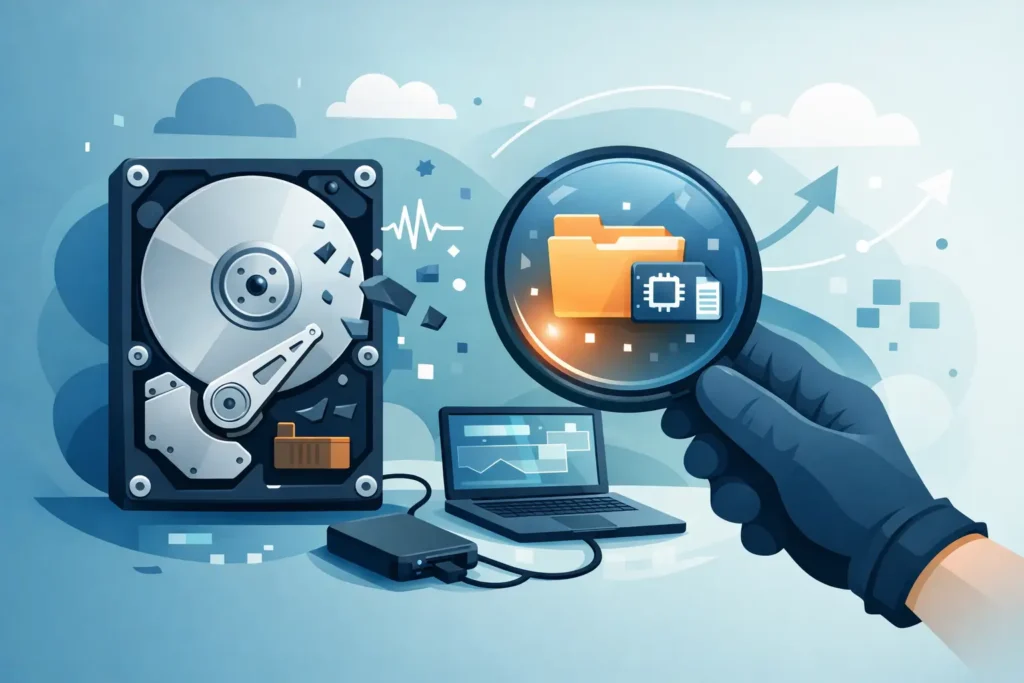
That sharp, repeated clicking sound is not just a bad sign. If you need to recover data from a clicking hard drive, every extra power-on attempt can reduce the chances of a successful recovery. For many people and businesses, the mistake happens in the first ten minutes – restarting the drive, trying different cables, running repair tools, or installing recovery software on a device that is already mechanically unstable.
A clicking hard drive usually points to a physical fault, not a simple file system issue. The sound often comes from the read/write heads failing to initialise correctly, struggling to find servo information, or repeatedly parking and retrying because the drive cannot read critical service data. In plain terms, the drive is trying to start and failing. That matters because physical faults demand a very different response from logical data loss.
What a clicking hard drive usually means
Not every unusual noise means the same thing, but clicking is one of the clearest warnings that the drive may have an internal mechanical problem. The common causes include failed or weakened read/write heads, damaged firmware modules, scratched platters, spindle issues, or media degradation severe enough that the heads cannot read what they need to operate normally.
This is why generic online advice can be dangerous. If the drive is clicking because the heads are damaged, software will not fix that. If anything, repeated scans can force the heads to keep passing over damaged areas, which can worsen platter damage and permanently destroy sectors that might otherwise have been recovered in a controlled lab process.
There is also a difference between a single click at power-up and continuous clicking. A brief sound once may be part of normal spin-up behaviour on some devices. Persistent rhythmic clicking, especially if the drive is not detected properly or disappears during use, is far more serious.
Can you recover data from a clicking hard drive failure yourself?
Sometimes people ask this because the files are urgent and they want to avoid delay. The honest answer is that it depends on what is actually wrong, but a true clicking failure is rarely a safe DIY case.
If the drive contains critical business records, legal documents, client data, family photos, or anything you cannot replace, home attempts are usually the highest-risk choice. Opening the drive outside a cleanroom is unsafe. Freezing it is a myth. Swapping circuit boards is not straightforward on modern drives because firmware adaptation data often needs to match. Even running data recovery software can be harmful if the issue is physical.
There is one narrow exception. If the sound was misidentified and the drive is actually healthy but connected through a faulty enclosure, adapter, or power supply, removing the drive from an external caddy and testing it safely with the correct interface may help. But if the clicking continues from the bare drive itself, stop there.
What to do immediately
The first priority is to preserve the current state of the drive. Power it down and leave it off. Do not run CHKDSK, First Aid, manufacturer diagnostics, or cloning software unless a qualified engineer has already confirmed the drive is stable enough for that step.
If this is an external hard drive, disconnect it properly and label it so nobody powers it on again by mistake. If it is part of a NAS, RAID, CCTV system, or office server, do not start swapping drives around or rebuilding the array without advice. In multi-disk systems, one wrong action can turn a single failed-disk event into a much larger recovery job.
Make a note of what happened before the failure. Was the drive dropped? Did it disappear from the computer and start clicking after a power cut? Was it getting unusually slow beforehand? Those details can help an engineer narrow down the likely fault and choose the safest recovery path.
What not to do if you need to recover data from a clicking hard drive media
The biggest errors are almost always well-intentioned. People keep rebooting because the drive worked once for a few seconds. They install software because the device appears in Disk Management. They watch videos suggesting improvised fixes. Unfortunately, physically failing drives are not forgiving.
Avoid opening the casing, tapping the drive, freezing it, changing boards at random, or using tools that perform full-surface scans. Avoid letting a local repair shop treat it as a routine computer problem unless they have genuine cleanroom capability and specialist hard drive recovery equipment. Mechanical recovery is not general IT support. It requires controlled conditions, donor part matching, firmware work, and imaging strategy designed for unstable media.
This is also where transparency matters. A proper lab should be able to explain whether your case looks mechanical, logical, or firmware-related, what the likely next steps are, and how confidentiality is handled. If the data is commercially sensitive or personal, chain of custody and GDPR-compliant handling are not optional extras.
How professional recovery works
When a clicking drive arrives at a specialist lab, the first stage is assessment. The goal is to identify whether the fault sits with the heads, platters, firmware, PCB, motor, or a combination of issues. Recovery does not start by trying to boot the drive like a normal computer would. It starts by stabilising the drive and minimising stress.
If internal work is needed, that is carried out in controlled cleanroom conditions. For head failures, compatible donor parts may be required. For firmware faults, specialist tools are used to access service areas and adapt the drive enough to read data safely. If the platters are damaged, the strategy becomes even more cautious because every pass matters.
A key point many customers do not realise is that the objective is usually not to repair the drive for reuse. It is to extract the data to healthy media. Engineers create a sector-level image where possible, prioritising readable areas first and returning to weak regions carefully. That approach gives the best chance of recovering the most important files before the drive degrades further.
Why clicking drives are time-sensitive
A clicking hard drive is often in a deteriorating state. Head assemblies can weaken further. Damaged heads can start scoring platter surfaces. Marginal media can become unreadable after repeated attempts. Delay does not always make recovery impossible, but unnecessary use can make it more expensive, slower, or less complete.
For businesses, the cost of waiting is not only technical. There may be downtime, missed deadlines, interrupted production, lost evidence, or compliance concerns if critical records are inaccessible. For individuals, the pressure is just as real when the missing data includes irreplaceable photos, creative projects, or years of personal documents.
That is why speed matters, but so does choosing the right place. A real lab with proven experience, forensic-grade processes, and certified technicians is not the same as a virtual office collecting devices and outsourcing the technical work. When the drive is physically failing, you want direct control, clear communication, and a recovery plan based on evidence rather than guesswork.
How to choose the right recovery service
If you are comparing providers, ask practical questions. Do they have an actual lab you can visit? Do they carry out internal hard drive work in-house? Is the assessment free? Do they offer a no-recovery, no-fee policy? Can they handle confidential business or legal data securely? Will they provide a fixed quote before proceeding?
Those answers tell you a lot about risk. Clicking-drive recovery can involve donor components, advanced imaging, and significant engineer time, so honest case triage matters. A trustworthy provider will not promise a perfect outcome before seeing the drive. What they should do is explain the likely fault, set realistic expectations, and protect you from making things worse.
At Data Recovery Lab, this is exactly the sort of case handled every day – urgent, sensitive, and technically complex. The right process starts with a proper assessment, not a gamble.
The best next step
If your hard drive is clicking, treat it as a physical failure until proven otherwise. Stop using it, keep it powered off, and get it assessed by a specialist with the equipment and environment to work on damaged drives safely.
When the data matters, restraint is often the smartest move. One careful decision now can preserve the difference between partial loss and a successful recovery.
