
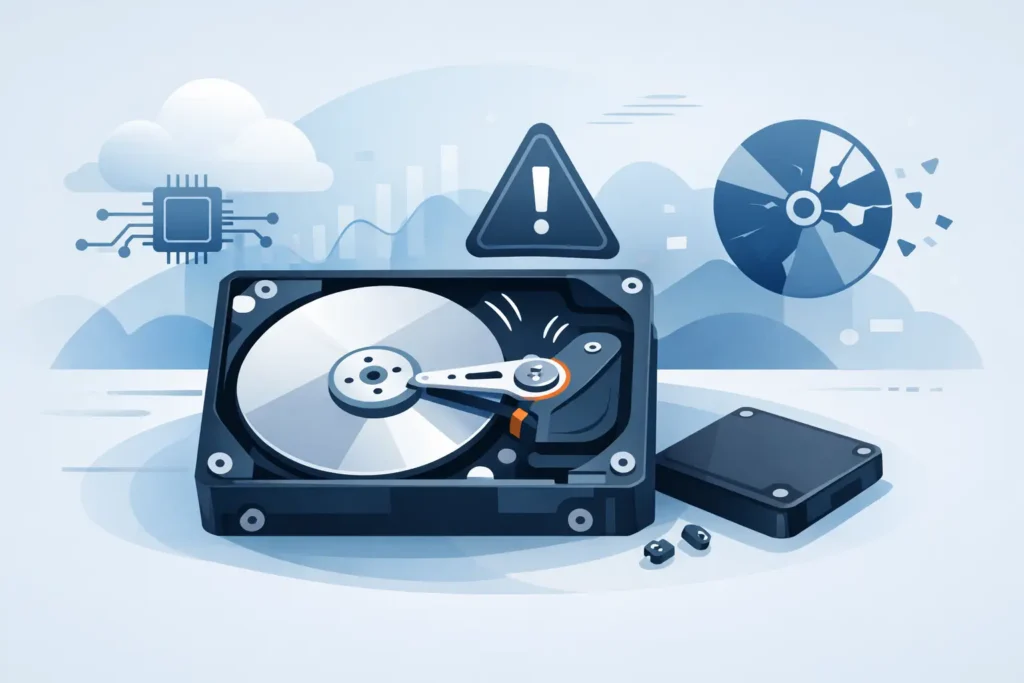
That sudden ticking or knocking sound is not just irritating – it is often the moment a hard drive starts telling you something has gone badly wrong. If you are asking why is hard drive clicking, the short answer is that the drive is struggling to read, position, or initialise its internal components. The longer answer matters more, because every extra power-on can turn a recoverable fault into permanent data loss.
A clicking hard drive is one of the clearest warning signs of mechanical failure. Sometimes the noise appears once at start-up and the drive then vanishes from the computer. Sometimes it clicks repeatedly, spins up, spins down, and never mounts. In business settings, that can mean inaccessible project files, finance records, CCTV footage, or legal documents. For personal users, it often means photos, videos, and years of irreplaceable files suddenly at risk.
Why is hard drive clicking in the first place?
Traditional hard drives are mechanical devices. Inside the casing are spinning platters, read-write heads, an actuator arm, firmware modules, and control electronics. For the drive to work properly, the heads must position themselves with extreme precision over the platters while reading service information and user data.
When a drive clicks, that sound usually comes from the actuator mechanism repeatedly attempting to find the correct position and failing. The drive tries to calibrate, cannot read what it needs, resets, and tries again. That loop creates the familiar click, knock, or tapping noise people describe as the drive “trying to start”.
There is no single cause behind the sound. In some cases, the heads are damaged or degraded. In others, the firmware cannot load properly, the service area on the platters has become unreadable, or the motor is not behaving as expected. A power issue can also confuse diagnosis, because unstable voltage may produce similar symptoms. The key point is this: clicking is not a normal operating sound if it is sudden, repetitive, or accompanied by missing data.
The most common causes of a clicking hard drive
Head failure is one of the most serious possibilities. If the read-write heads are weak, contaminated, or physically damaged, they may no longer read the platters consistently. The drive then keeps re-seeking, producing the repeated click. This often happens after a drop, impact, overheating, or simple wear over time.
Firmware problems are another frequent cause. Hard drives rely on internal code and hidden service data to initialise correctly. If that information becomes corrupted, the drive may spin but fail to become ready. To the user, it still sounds mechanical, but the root issue may be a firmware fault rather than obvious physical breakage.
Media damage can create the same symptom. If critical system areas on the platters are scratched, degraded, or unstable, the heads cannot read what they need to start the drive properly. That can produce clicking even if the heads themselves are not the original cause.
Then there are PCB and power-related faults. A failed controller board, damaged components, or an unsuitable power supply can disrupt the drive’s start-up sequence. This is where DIY mistakes become expensive. Swapping a board from a “matching” donor drive found online rarely solves the problem safely, because modern drives often store unique adaptive data that must match the original unit.
What the clicking sound can tell you
Not every click means exactly the same thing. A single soft click during normal use may be less alarming than loud, repeated knocking followed by disappearance from the system. Still, sound alone is never enough for a reliable diagnosis.
A drive that clicks once, mounts, and stays accessible may have an early-stage issue or a connection problem. A drive that clicks continuously and is not detected is in a much more dangerous position. If the clicking started after a drop, the risk of internal head or platter damage is especially high. If it began after a power cut or failed update, firmware or electronics may be involved.
This is why professional assessment matters. The same symptom can come from different failures, and the correct recovery method depends on identifying the real fault before more damage occurs.
Why is hard drive clicking and still sometimes visible?
This is where many people take a risk they later regret. A clicking drive may still appear in File Explorer, Disk Management, or BIOS for a short time. That does not mean it is safe. It often means the drive is only partially initialising, or that it can still identify itself while failing to read actual sectors reliably.
Users often see the drive name and assume they should keep trying: unplug it, reconnect it, rerun scans, restart the machine, or copy files manually in batches. Unfortunately, repeated access attempts can push a failing drive beyond the point of straightforward recovery. Heads that are already unstable can deteriorate further. Weak sectors can become unreadable. Firmware instability can worsen under stress.
If the data matters, visibility is not reassurance. It is a short and uncertain window.
What you should do immediately
The safest first step is to power the drive down. Do not run scan-and-fix tools, do not defragment it, and do not keep rebooting to “see if it comes back”. If the drive is external, disconnect it carefully. If it is inside a laptop or desktop and the system is still trying to access it, shut the machine down properly.
Do not open the drive casing. Hard drives require controlled lab conditions for internal work, and ordinary room air carries enough contamination to damage platters. The old freezer trick is equally risky and outdated. It can introduce condensation, distort tolerances, and make recovery harder rather than easier.
If the files are genuinely expendable, you can choose to replace the drive and move on. But if the contents have business, legal, financial, or sentimental value, the correct next step is specialist diagnosis. In a proper lab, engineers can test whether the issue is mechanical, electronic, firmware-based, or a combination of faults, and then choose a recovery path designed to protect the media rather than force it.
Can you recover data from a clicking hard drive?
Often, yes – but success depends on what failed, how severe the damage is, and what happened after the first symptoms appeared. Drives that are powered off promptly and handled correctly generally offer a better chance than drives that have been repeatedly tested, scanned, or opened by non-specialists.
A professional recovery may involve stabilising the electronics, repairing firmware access, imaging the drive with specialised hardware, or in mechanical cases, replacing failed internal parts in cleanroom conditions. That is precise work. It is not the same as running consumer software, because software cannot fix a head crash or read sectors from a drive that will not stay ready.
For businesses, the stakes are often higher than the recovery cost. Downtime, compliance exposure, interrupted operations, and lost client data can all become part of the real price of waiting too long. For individuals, the value is usually in what cannot be recreated – family archives, creative work, messages, and personal records.
When the noise is not actually the hard drive
It is worth saying that not every clicking sound in a computer comes from the hard drive. Cooling fans, failing power supplies, optical drives, and even certain laptop components can produce misleading noises. That said, if the click coincides with missing files, boot failure, freezing, or a drive not being recognised, the storage device moves to the top of the suspect list very quickly.
A proper diagnosis separates the sound source from the data problem. That matters, because unnecessary guessing wastes time, and time is rarely your friend when a hard drive is failing.
Why fast action matters more than perfect certainty
People often hesitate because they want to be sure the drive is really failing before they spend money or ask for help. That instinct is understandable. But with clicking drives, certainty usually arrives after more damage has already been done.
The better approach is to treat clicking as a warning, not a puzzle to keep experimenting with. If the drive contains important data, stop using it and get it assessed by a real lab with cleanroom capability, forensic-grade equipment, and transparent handling procedures. That gives you the best chance of preserving what is still there.
At Data Recovery Lab, cases like this are assessed every day, and the pattern is familiar: the earlier the drive is taken out of use, the better the recovery outlook tends to be. If your hard drive has started clicking, the sound to pay attention to is not the mechanism inside it. It is the narrowing window to act before the damage gets worse.
