
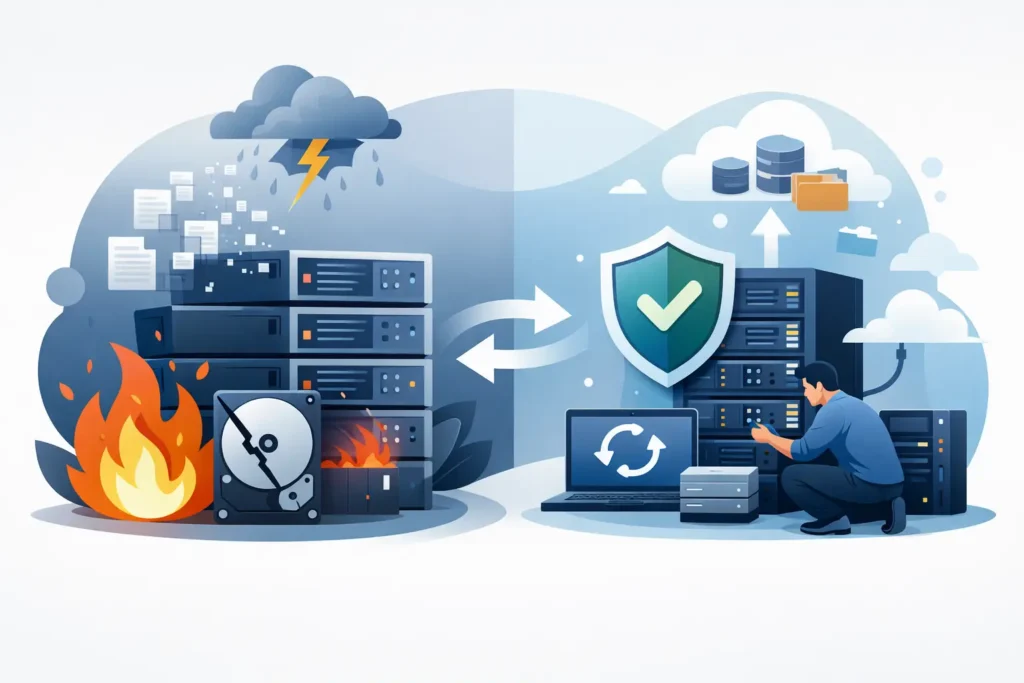
A server going offline is disruptive. A server going offline with the only copy of client files, financial records, virtual machines or shared business data can become a serious operational incident within minutes. This guide to server data loss explains how to contain the damage, preserve the best chance of recovery and make sound decisions before well-meaning actions turn a recoverable problem into a permanent one.
Server data loss is rarely as simple as a folder being deleted. The visible symptom might be a failed boot, inaccessible share, degraded RAID, encrypted files or a storage volume that has disappeared from the operating system. The underlying cause matters because the correct response to accidental deletion is very different from the response to multiple failed RAID disks, controller failure or suspected ransomware.
What counts as server data loss?
Data loss means more than files no longer appearing where they should. It includes data that is deleted, overwritten, corrupted, encrypted, inaccessible or trapped on hardware that will not start. A server may still power on while its data is unavailable because the file system, RAID configuration, virtual disk, database or access permissions have failed.
Common causes include hard drive failure, SSD degradation, RAID controller faults, power events, failed firmware updates, accidental reformatting, operating system corruption and human error. Ransomware is another major risk, particularly where attackers encrypt production data and target backups before demanding payment. Physical damage from overheating, liquid exposure, fire or electrical surge creates a separate and more complex recovery scenario.
The distinction is not academic. A logical fault may require careful extraction and reconstruction of data structures. A physical fault may require controlled work on the storage media itself. Both can be made worse by repeated restart attempts, rebuilds or repair tools run without a verified copy of the original media.
The first hour after server data loss
The priority is containment, not repair. Pause automated processes that may write to the affected storage, such as synchronisation jobs, backup rotation, antivirus scans, database services and virtual machine activity. Every new write can overwrite deleted or damaged data blocks.
If a drive is clicking, grinding, repeatedly spinning up and down, or is not detected reliably, switch the system off. Do not keep rebooting to see whether it comes back. Mechanical hard drives can suffer worsening platter damage when operated after an internal fault. SSDs behave differently, but repeated power cycles can still complicate a failing controller or unstable firmware condition.
Record what happened before anyone changes the environment. Note error messages, recent alerts, the time the issue was discovered, changes made shortly beforehand, the server model, storage layout and the number of disks involved. Take photographs of disk positions, labels and cabling before removing anything. In a RAID array, disk order and configuration details can be critical to reconstruction.
If ransomware is suspected, isolate the affected server from the network immediately. Do not connect external backup media, shared storage or a clean workstation to investigate it casually. Preserve the ransom note, filenames, extensions and any relevant logs. These details can help establish the strain involved and determine whether unencrypted copies, snapshots or viable recovery paths exist.
Avoid the actions that reduce recovery chances
The most costly mistakes often happen after the failure, when pressure to restore service is highest. A RAID warning can tempt an administrator to replace a disk and start a rebuild immediately. That may be appropriate only when the array is understood, the remaining disks are stable and current backups have been checked. Where more than one disk is degraded, a rebuild can place intense read pressure on ageing drives and cause another failure before completion.
Do not initialise a disk that Windows, Linux or a NAS device reports as uninitialised. Do not format a volume because the system offers it as a fix. Do not accept a file-system repair prompt until there is a forensic image or a known-good clone. Utilities such as CHKDSK, fsck and vendor repair tools may alter metadata while attempting repairs, making later recovery more difficult.
Avoid swapping RAID controllers simply to test whether the volume returns. Different controllers, firmware versions and settings can interpret array metadata differently. Likewise, never mix up drives from separate arrays or remove them without clear labels. A server with six or twelve drives is not a collection of independent disks. It is one storage system with a precise layout.
Free recovery software can help with a straightforward accidental deletion on a healthy, non-critical drive where no data has been written since. It is not a sensible first response to a failed server, RAID, SAN, encrypted virtual environment or business-critical database. The trade-off is clear: software may be inexpensive, but using it against a live or unstable source can change the evidence and lower the prospect of a complete recovery.
A practical guide to server data loss assessment
A sound assessment begins by identifying the storage architecture. Is the server using individual disks, RAID 0, RAID 1, RAID 5, RAID 6, RAID 10, a NAS appliance, SAN storage or virtual machines hosted on a hypervisor? The answer determines both risk and likely recovery method.
RAID is often misunderstood as a backup. RAID can maintain availability after certain disk failures, depending on the level used, but it does not protect against deletion, corruption, ransomware, controller faults, fire or an incorrect rebuild. RAID 0 has no redundancy at all. RAID 5 generally tolerates one failed disk, while RAID 6 can tolerate two, but neither guarantee safe recovery when several disks are unreadable or the array is inconsistent.
Virtual environments add another layer. A VMware or Hyper-V host may be healthy while a VMDK, VHDX, datastore or snapshot chain is corrupt. Restoring a single virtual machine incorrectly can overwrite useful recovery points. Database servers require equal care. SQL, Exchange and similar systems may need transaction logs and associated files recovered in a consistent state rather than treated as unrelated documents.
For a professional assessment, the objective should be to work from copies wherever possible. Technicians first inspect media condition and capture stable disk images using controlled equipment. They then analyse RAID parameters, partitions, file systems and application structures without treating the original source as a test bed. This approach protects evidence, supports confidentiality and provides a clearer basis for a fixed recovery plan.
When emergency recovery is justified
Emergency service is justified when every hour of downtime affects trading, production, legal obligations or customer service. Examples include a failed file server before payroll, inaccessible case files at a legal practice, CCTV footage needed for an investigation or a virtual host supporting multiple business systems.
Speed should not mean shortcuts. Ask what work will be carried out, whether the original media will be protected, how recovered data will be validated and how confidential information will be handled. A credible provider should explain the likely technical route, not promise a result before inspecting the devices. Recovery outcomes depend on the failure type, whether data has been overwritten, the condition of the media and the actions already taken.
For sensitive business, legal and personal data, secure chain-of-custody handling matters. Data Recovery Lab provides free collection and assessment, forensic-grade recovery capability and GDPR-compliant handling from its visitable London lab. Its no-recovery, no-fee approach also means customers can proceed with clearer commercial certainty when the situation is already stressful.
Rebuilding service without repeating the incident
Once data is available again, separate recovery from restoration. Verify recovered folders, file counts, permissions, databases and key documents before declaring the incident closed. A server can appear functional while missing recent data, containing corrupted files or holding incomplete virtual machines.
Then review the failure honestly. If the issue began with a single disk failure, check the age and health of every disk in the array. If ransomware reached production data, review privileged access, patching, monitoring and backup isolation. If an accidental deletion caused the outage, examine retention policies and permission controls rather than relying on staff to be more careful next time.
Backups should follow a versioned, tested approach with at least one copy isolated from the primary network. The exact design depends on your recovery time objective, the volume of data and regulatory obligations, but an untested backup is only an assumption. Schedule restore tests, document the server configuration and make sure more than one person understands how to access recovery credentials and encryption keys.
When a server fails, calm decisions protect data. Stop unnecessary writes, preserve the original storage, document the symptoms and seek specialist assessment before attempting repairs. The fastest route back to business is often the one that avoids creating a second, preventable loss.
